

8 Back-to-School Resources Every K–12 Teacher Should Know
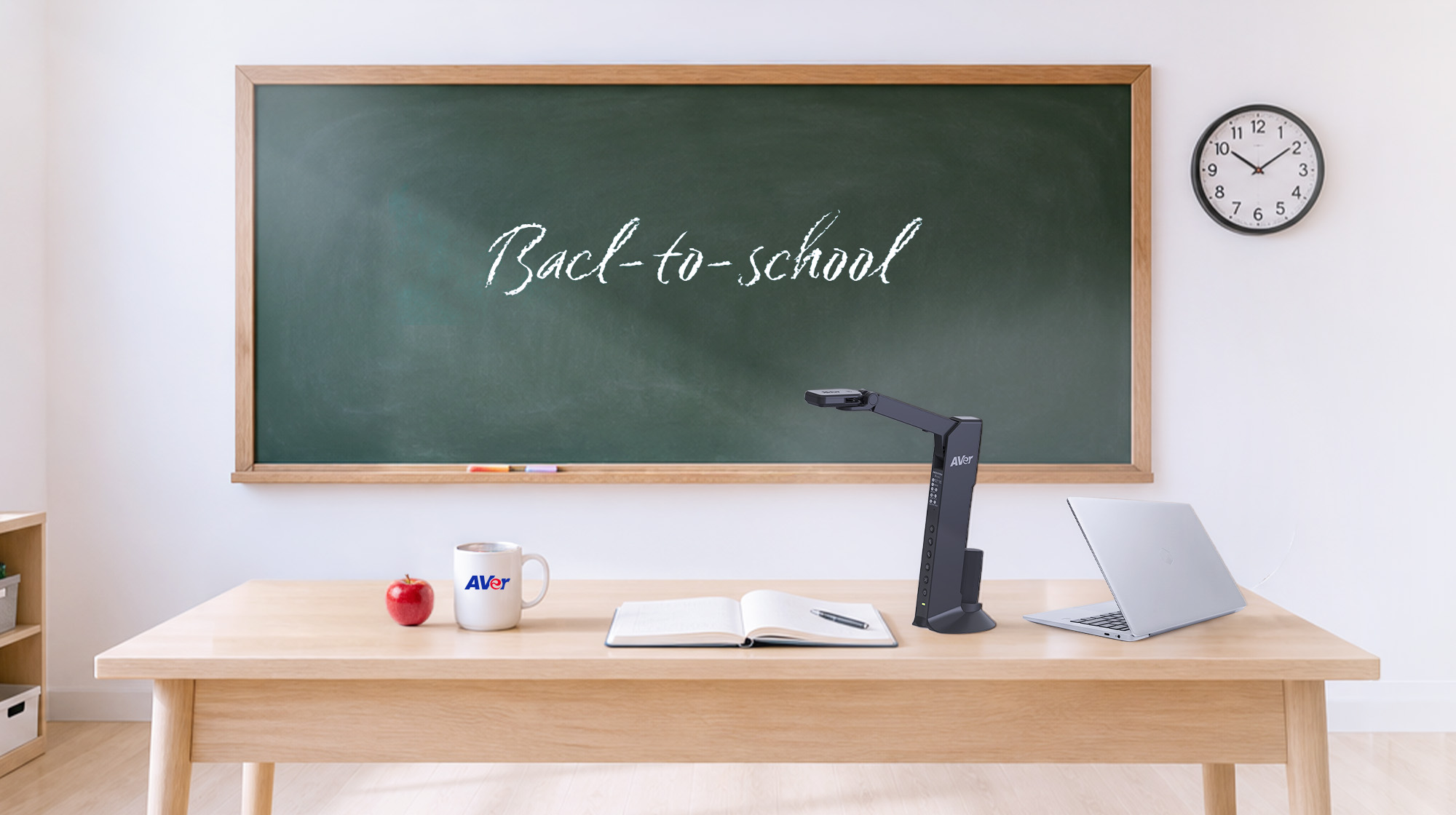
Finding the right back-to-school resources for K–12 teachers can make the transition into a new school year easier while giving educators new ways to engage students, support different learning needs, and make instruction more interactive.
From educational games and hands-on learning to AI resources, classroom technology, and professional development, the right tools can become part of an educator’s everyday teaching toolkit. Here are eight resource categories worth exploring before the school year begins.
1. Educational Games and Hands-On Learning
Learning doesn’t always have to come from a textbook or presentation. Educational games can turn review and practice into interactive experiences. Vocabulary challenges, math competitions, trivia, puzzles, memory games, and problem-solving activities can reinforce concepts while encouraging students to participate.
Hands-on learning is equally valuable. Puzzles, building kits, STEM activities, manipulatives, and model kits can encourage problem-solving, creativity, collaboration, and fine-motor development.
An AVer document camera can make these activities even more interactive by allowing teachers to demonstrate projects, display materials, or showcase student work for the entire class.
Try it: Keep a collection of physical and digital activities available for lesson transitions, review sessions, or small-group learning.
2. AI Resources for Teachers
Artificial intelligence is becoming another resource in the educator’s toolkit. AI resources for teachers can help educators brainstorm lesson ideas, create discussion prompts, develop classroom activities, summarize information, and adapt instructional materials for different learning levels.
Used appropriately, AI can reduce some of the time educators spend on repetitive preparation and give them more time to focus on instruction and student engagement.
AI should complement—not replace—teacher expertise. Educators should review AI-generated information for accuracy, appropriateness, privacy considerations, and alignment with school policies.
3. Digital and Open Educational Resources
Teachers don’t have to create everything from scratch. Digital libraries, open educational resources, instructional videos, interactive lessons, simulations, and downloadable classroom materials can supplement existing curriculum.
These educational resources for K–12 classrooms can provide additional ways for students to explore subjects and reinforce concepts.
Creating a personal library of trusted K–12 teaching resources organized by subject, grade level, or unit can also save preparation time. Instead of repeatedly searching for materials, teachers can build a collection they can rely on throughout the school year.
4. Classroom Visualization and Presentation Resources
Sometimes students simply need to see a concept to understand it.
Classroom visualization technology can transform everyday materials into instructional resources. A teacher can display a science specimen, demonstrate a math problem, annotate a worksheet, examine artwork, or showcase student work for the entire class.
Classroom document cameras provide teachers with a simple way to bring physical materials into digital instruction. AVer document cameras are designed to support flexible teaching environments, helping educators create visual learning experiences while giving every student a clearer view of demonstrations and instructional materials.
5. Student Engagement and Formative Assessment
Getting students involved is only part of the equation. Teachers also need ways to determine whether students understand the material.
Interactive questions, digital quizzes, polls, surveys, and other formative assessment strategies for teachers can provide quick insight into student understanding. These resources can help educators identify concepts that may need additional explanation or reteaching.
Try it: End a lesson with a simple exit ticket. Ask students, “What is one thing you learned today, and what is one question you still have?” Their responses can help guide the next lesson.
6. Collaboration and Communication Resources
Collaboration skills are essential in today’s classroom. Shared digital workspaces, collaborative documents, video communication, and interactive group projects can give students opportunities to communicate, solve problems, and create together.
These classroom technology resources can support group activities while helping students practice communication, teamwork, critical thinking, and problem-solving.
The goal isn’t simply to put students in front of technology. It’s to use technology to create meaningful opportunities for students to work together, explain their thinking, and learn from one another.
7. Accessibility and Differentiated Learning Resources
Every classroom includes students with different abilities, interests, backgrounds, and learning needs. Resources for differentiated instruction can help educators provide multiple ways for students to access and understand the same concepts.
Accessibility resources such as captioning, text-to-speech, visual supports, recorded instruction, and multiple ways to interact with content can create more inclusive learning experiences.
Technology can also make lessons easier to capture, revisit, and share. Recording, annotation, and visual presentation features can give students additional ways to access instructional content and review it at their own pace.
8. Professional Development and Educator Communities
One of the most valuable resources available to educators is other educators. Professional development webinars, educator communities, instructional technology organizations, conferences, and trusted education websites can provide ideas that teachers can take directly into their classrooms.
Make professional learning an ongoing part of the school year. A new teaching strategy, classroom activity, or technology idea discovered through another educator can sometimes make a significant difference in student learning.
Build Your K–12 Educator Toolkit
Preparing for a new school year isn’t just about checking items off a back-to-school checklist. It’s about building a teacher resource toolkit that can support instruction throughout the year.
Whether it’s an educational game, an AI resource, a hands-on learning activity, a formative assessment strategy, or classroom technology, the right resource can create new opportunities for student engagement and learning.
At AVerUSA.com we believe technology should support educators—not get in their way. From document cameras and classroom audio to video collaboration solutions, AVer develops technology designed to help educators create engaging, flexible, and connected learning environments.
As you prepare for the new school year, don’t just prepare your classroom. Build your educator toolkit, explore something new, and discover better ways to make every classroom moment count.
Frequently Asked Questions
What are the best back-to-school resources for K–12 teachers?
Useful resources can include educational games, hands-on learning activities, AI resources, digital learning materials, classroom technology, formative assessment strategies, accessibility resources, and professional development opportunities.
What classroom technology can help teachers engage students?
Classroom technology such as document cameras, classroom audio, displays, and video collaboration solutions can help teachers make lessons more visual, interactive, and accessible.
How can teachers use AI resources in education?
Teachers can use AI resources to brainstorm lesson ideas, develop activities, create discussion questions, adapt instructional materials, and support lesson planning while maintaining appropriate human oversight.