

The AVer MT Control Panel app provides real-time control of Matrix Tracking Boxes directly from your mobile device. Connect over Wi-Fi to remotely configure, monitor, and manage your AVer cameras and microphones with ease. Add new devices, switch between user modes, adjust network settings, fine-tune image parameters, and manage system configurations — all from a single, intuitive interface. Whether supporting live production, corporate AV, higher education, or government environments, MT Control Panel streamlines setup and ongoing system management to save time and reduce on-site adjustments.
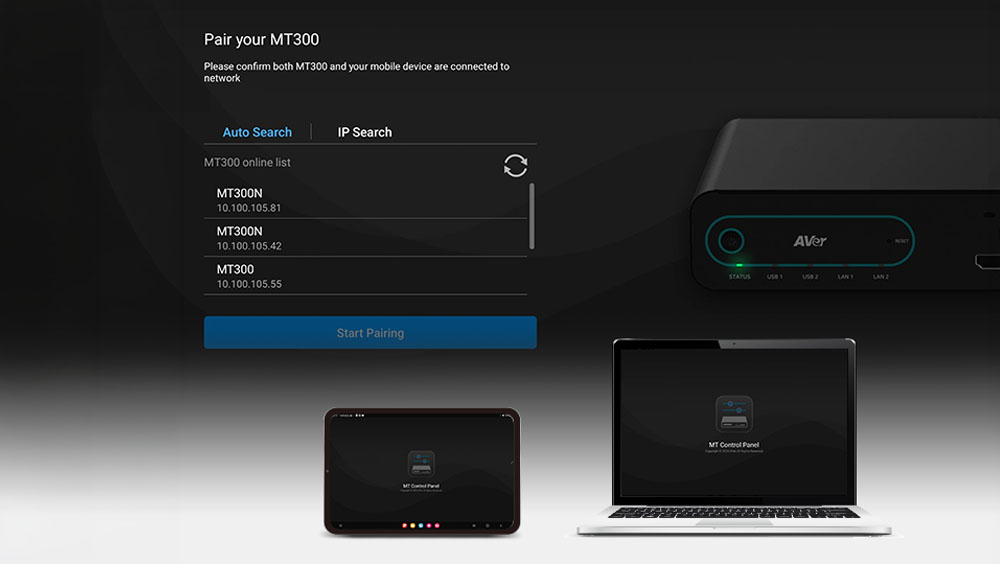
Pair & Go — Seamless Web UI Access
Pair your mobile device with the MT Control Panel to instantly launch the full MT Box Web UI. Access advanced configuration settings, system controls, and management tools directly from your device for efficient setup and real-time adjustments.
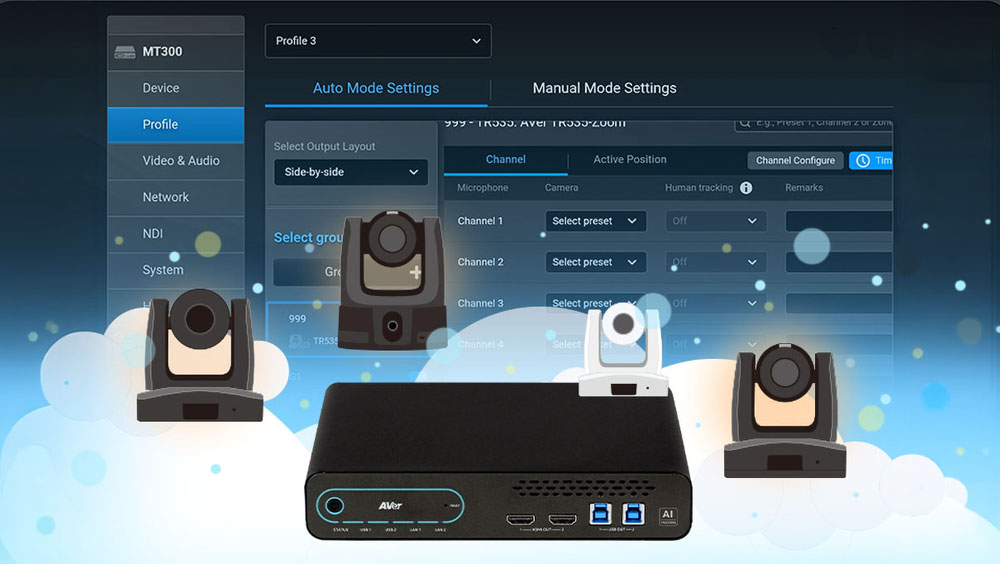
Secure Login & User Access
After the administrator completes the initial system setup, authorized users can securely log in to access management controls. Role-based access ensures system integrity while enabling efficient day-to-day operation.
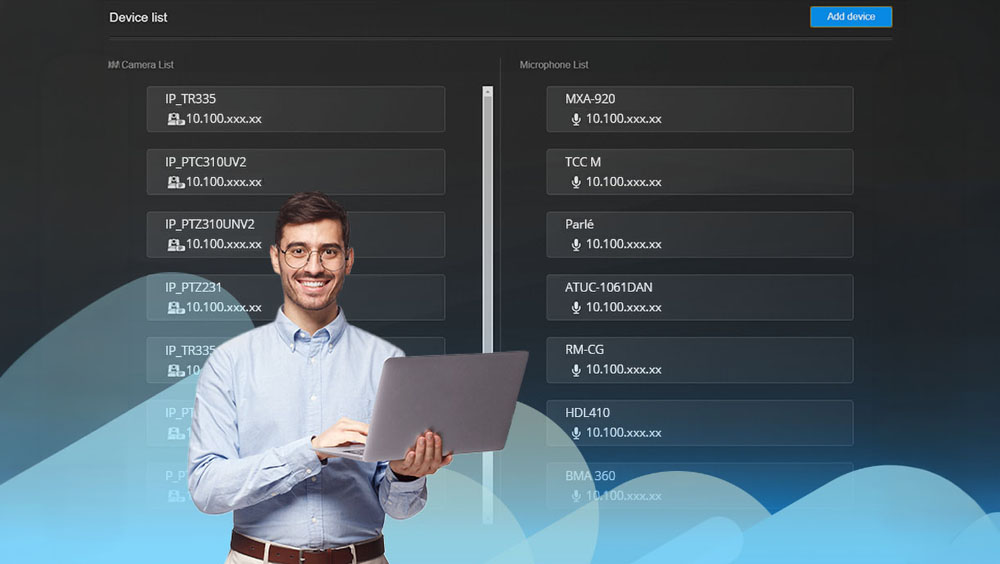
Secure, Credential-Free Workflow
Avoid sharing login credentials or exposing sensitive camera settings. The MT Control Panel enables secure access and streamlined management without compromising system integrity.
System Requirements
| Supported Devices |
|
|---|---|
| System requirements for PC/laptop |
|